
AI integration for operations teams

AI that fits the way your business already works.

Connect AI to the way your team already works—without replacing the tools you rely on.

Built for real operations.Clear ownership, human review, and systems your team can understand.
WORKFLOW BLUEPRINTEXAMPLE / INBOUND REQUEST
Inputs
Shared inboxNew request
CRMCustomer context
CalendarTeam capacity
Kairact workflow layer Understand → decide → route
  1. 01Classify the request
  2. 02Apply approved rules
  3. 03Prepare the next action
Reviewed outputs
Owner reviewApprove exception
System updateKeep status visible
Team signalNext step is clear
Human review stays in the loopDESIGNED FOR HANDOVER
Built around the tools you already have
CRMEmailCalendarERPPOSHelpdeskInternal APIs
01 / SOLUTIONS

Useful AI for the work already happening.

Automation, assistants, integrations, and internal tools—built around your operation.

02 / ASSISTANTS
Team members using a knowledge assistant to prepare a reviewed response

AI assistants

Find the right answer, then review it.
  • Knowledge
  • Drafts
03 / INTEGRATION
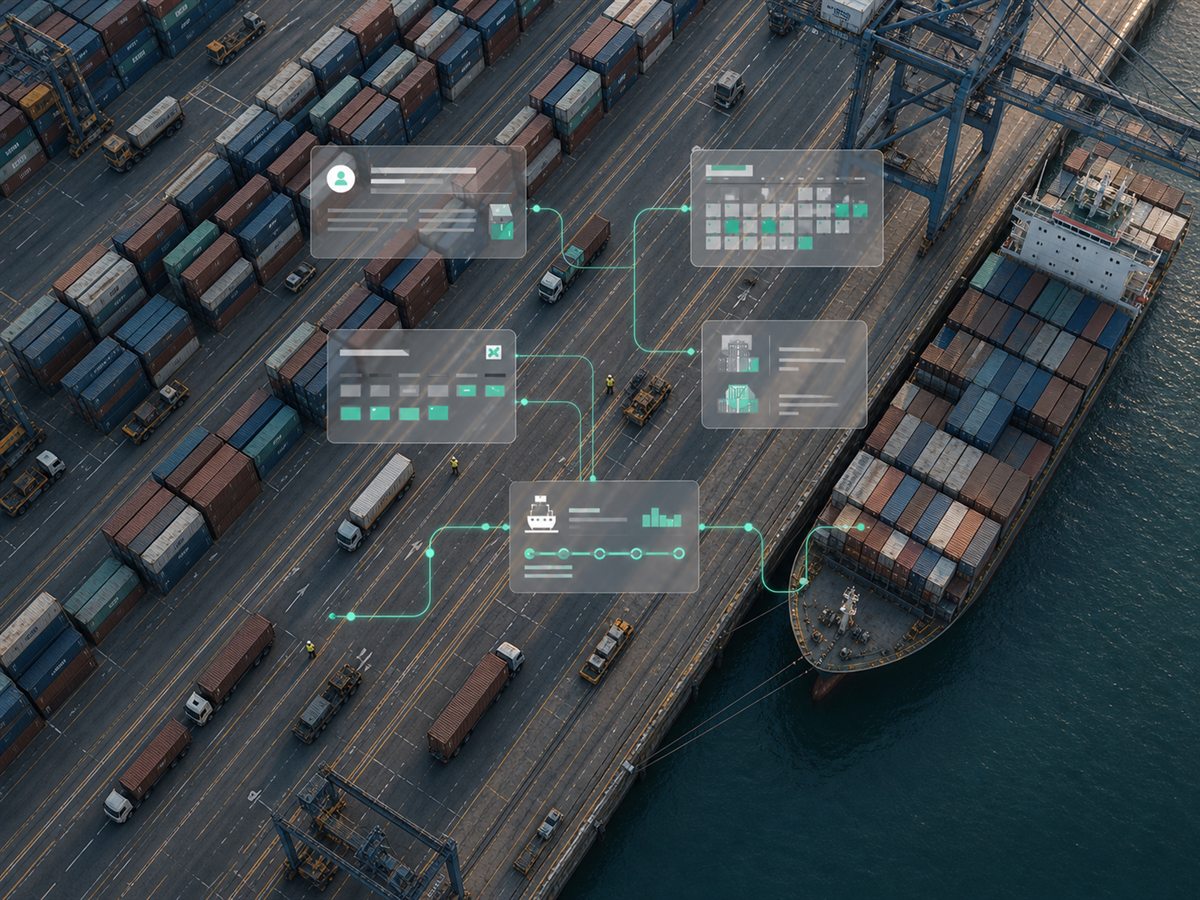
Bird's-eye view of a port logistics operation with containers, vehicles, and connected systems

Systems integration

Keep the tools you use. Connect the work between them.

  • Data sync
  • Visibility
04 / INTERNAL TOOLS
Field service technician using an internal dashboard beside a service vehicle

Internal tools

Make ownership and next actions visible.

  • Dashboards
  • Support
COMMON STARTING POINTS
Warehouse operationsPort and logisticsField serviceCustomer operations
02 / WORKFLOW EXAMPLE

A workflow people can actually use.

Illustrative pattern. Adapt the shape to the bottleneck inside your operation.

ONE REQUEST IN PROGRESS
Request arrivesShared inbox
Context is checkedAI + rules
Owner takes actionHuman review
CUSTOMER OPERATIONS

From request to owned next action.

Context is gathered, exceptions are checked, and the right person gets the next move.

WORKFLOW / EXAMPLE READY FOR REVIEW
  1. 01
    CaptureRequest + customer context.
    INBOX
  2. 02
    UnderstandAI extracts the details.
    AI ASSIST
  3. 03
    CheckRules flag exceptions.
    RULES
  4. 04
    RouteOwner gets the next action.
    HUMAN REVIEW
03 / DELIVERY METHOD

A clear path from bottleneck to rollout.

Discover. Build. Improve.

01

Discover

Map the work and find the highest-value opportunity.

Define the problem.
02

Build and integrate

Connect the systems, test the edges, and prepare the team.

Deploy responsibly.
03

Operate and improve

Support the workflow and prioritize the next improvement.

Keep it useful.
HANDOVER

Software your team can own.

  • Process and integration map
  • Named owner and escalation path
  • Guidance, measures, and support
WHAT HAPPENS NEXT

One useful conversation, then a clear plan.

Share the bottleneck, the people involved, and the systems around it. We will use that context to suggest the smallest practical next step.

Request a workflow review
  1. 01
    Send the contextNo sensitive data is needed in the public form.
  2. 02
    Review the bottleneckWe clarify the outcome, systems, and constraints.
  3. 03
    Choose the first releaseYou get a focused scope and an ownership path.
04 / SECURITY AND OWNERSHIP

Trust built into the workflow.

Access, data handling, human control, and handover are part of the design.

Our security approach

Least privilege

Each workflow gets only the access it needs.

Clear data path

Retention and processing are documented before launch.

Human ownership

Exceptions and high-impact actions stay reviewable.

05 / COMMON QUESTIONS

Useful answers before the first conversation.

Start with the questions that matter when AI touches real operations, existing systems, and accountable people.

Read the security approach
Do we need to replace our existing software?

Usually not. Kairact connects the systems your team already relies on and adds a focused workflow layer where work gets stuck.

How do you handle business data?

Before production access, we document approved data sources, access scope, retention, providers, and the human review points for the workflow.

Who owns the software you build?

Ownership, licensing, source access, and handover are defined in the written project agreement. The intended outcome is software your team can operate and understand.

What happens after launch?

Active clients can use the invite-only portal for bugs, feature requests, comments, files, and status updates. Ongoing support follows the agreed support plan.

Which AI model will you use?

The model is selected around the workflow, data sensitivity, quality requirements, cost, and operational controls rather than chosen in advance.

How much does an AI integration cost?

Scope and cost depend on the workflow, systems, data, and support needs. The first conversation defines a practical next step before a proposal.

06 / FOR ACTIVE CLIENTS

Keep the work moving after launch.

Active clients get one place to report bugs, request improvements, share context, and see what is happening next.

Go to the client portal
CLIENT PORTAL INVITE-ONLY ACCESS

Support that keeps context with the work.

  • Report a bug or request a featureUse the right request type and include the operational impact.
  • Track status and ownershipSee whether a request is new, in progress, or resolved.
  • Share project context securelyComments and approved files stay inside the client workspace.
Client login

Response targets and emergency coverage follow the support agreement for your project.

START A PROJECT

Bring us the work that gets stuck.

Tell us where time disappears. We will suggest a practical next step or schedule a working session around the bottleneck.

Business context is enough.Do not submit sensitive personal information. We will explain the appropriate data path before integration.
WORKFLOW ASSESSMENT We aim to respond within one business day